Custom inspection protocols
The bundled DIN protocols (BSK / FLS / BST / BSB / RWM) cover the standard cases. For special devices (e.g. wall hydrant, emergency lighting, custom maintenance checklists) you can create your own templates.
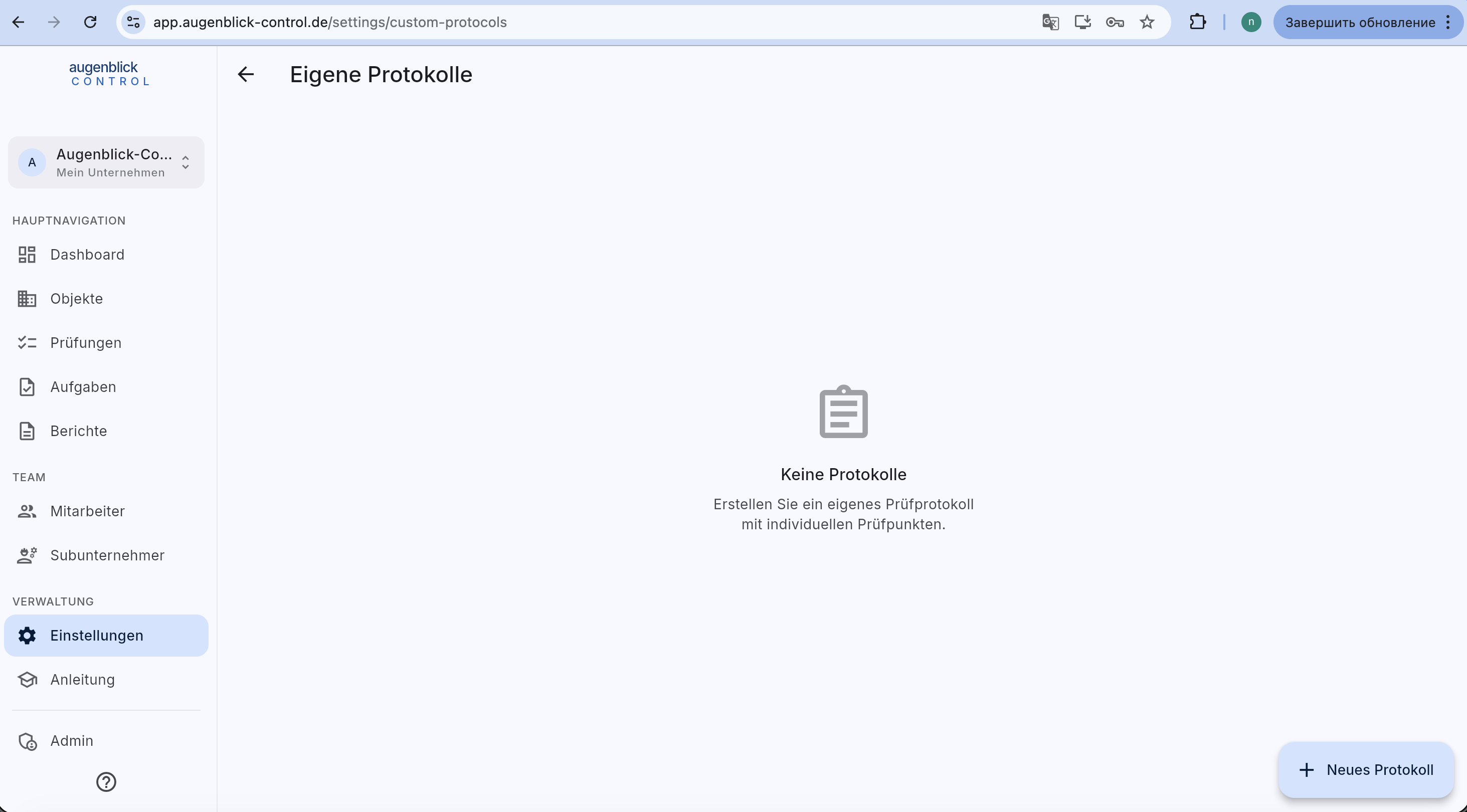
Found under Einstellungen → Eigene Protokolle. Bottom right + Neues Protokoll.
Editor
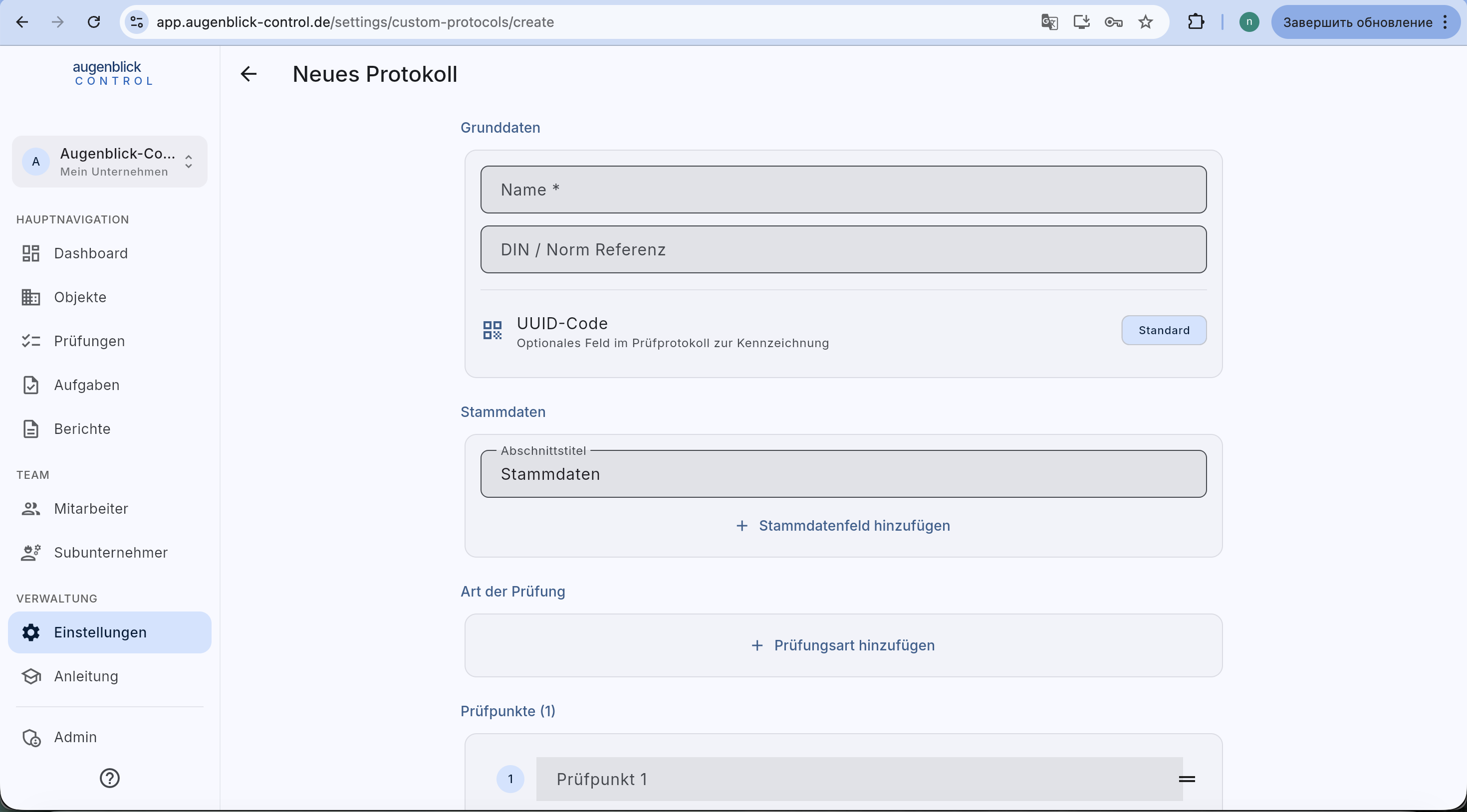
Base data
- Name (required) — how the protocol appears in the inspection wizard.
- DIN / norm reference — printed on the generated PDF.
- UUID code — optional standard field for QR linking.
Stammdaten
Section title (e.g. "Stammdaten") plus arbitrary fields. Per field: name, type (text / number / date / picker). Stammdaten is reused in each inspection.
Inspection types
+ Prüfungsart hinzufügen — e.g. "First commissioning", "Maintenance", "Special inspection". At least one type required.
Checkpoints
List of checkpoints the inspector ticks off. Reorder via drag-and-drop. Per point: name, default answer (i.O. / n.i.O. / n.z. / none).
Use
After Save, the protocol appears as an extra category in the Neue Prüfung wizard — like BSK / FLS, but with your defined content.
Tip: Copy an existing protocol and modify it slightly rather than starting from scratch — saves time.
What's next
- Start a new inspection — pick your custom protocol
- Create reports