Company profile
Company-profile data appears in the header of every inspection protocol and is the legal identification of the inspecting company. So fill it completely.
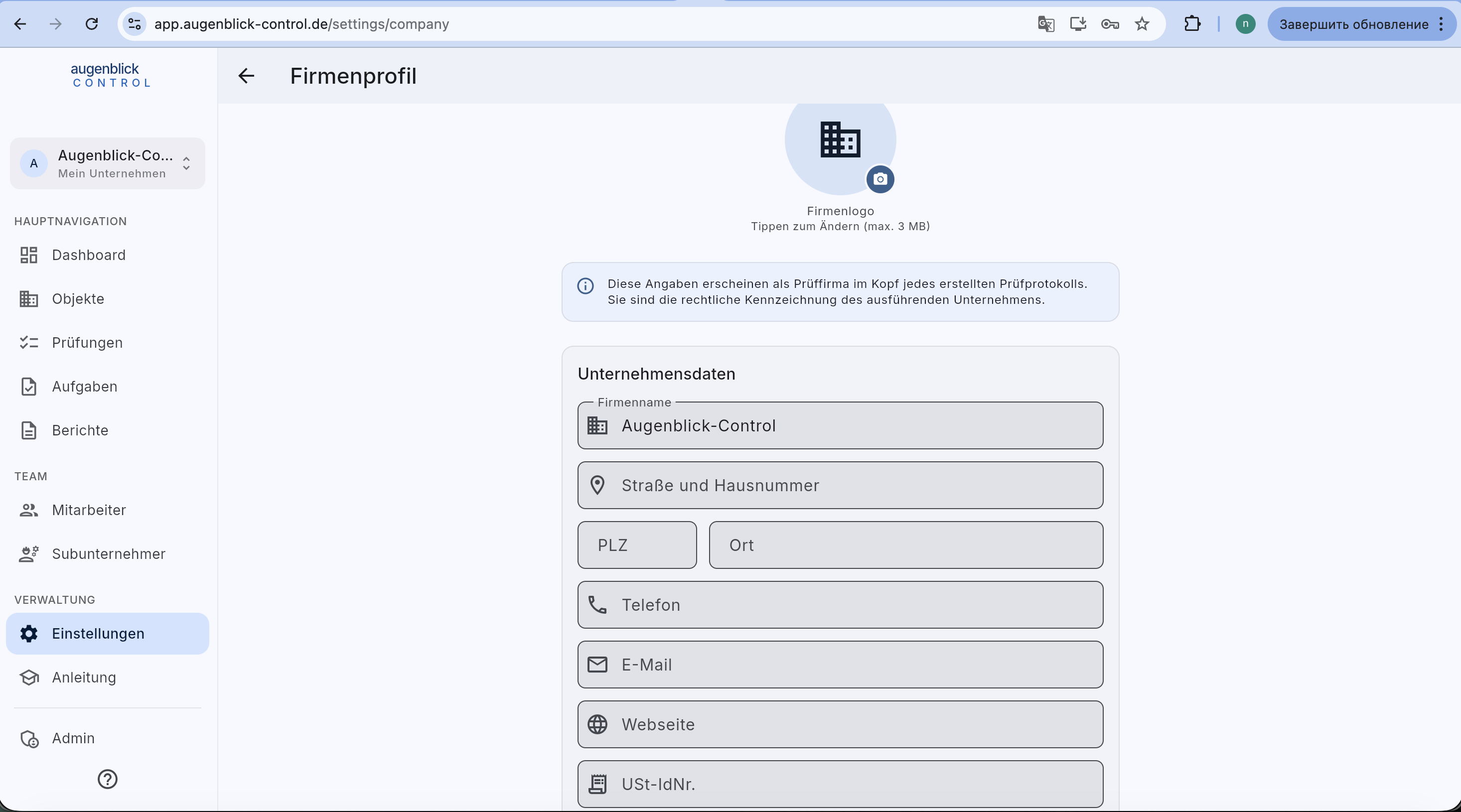
Required fields
- Company logo — tap the placeholder to upload PNG / JPG (max. 3 MB). Printed top left on every PDF.
- Company name — exactly as in the trade register.
- Street + house number
- ZIP + city
- Phone — landline or mobile.
- Email — customer contact.
- Website — optional, recommended.
- VAT-ID — required for invoices / DIN-compliant protocols.
Where this is printed
- Header of every inspection-protocol PDF — logo, name, address, contact.
- Footer of every report — small VAT-ID line.
- Subcontractor workflow — when your firm works as a subcontractor, this is what appears on the client's protocol.
Tip: Logo best as PNG with transparent background, at least 400 px wide. Rasterize from the letterhead if needed.