Excel import
When taking over an existing inventory or setting up a new workspace, creating every device manually would be tedious. Excel import speeds this up.
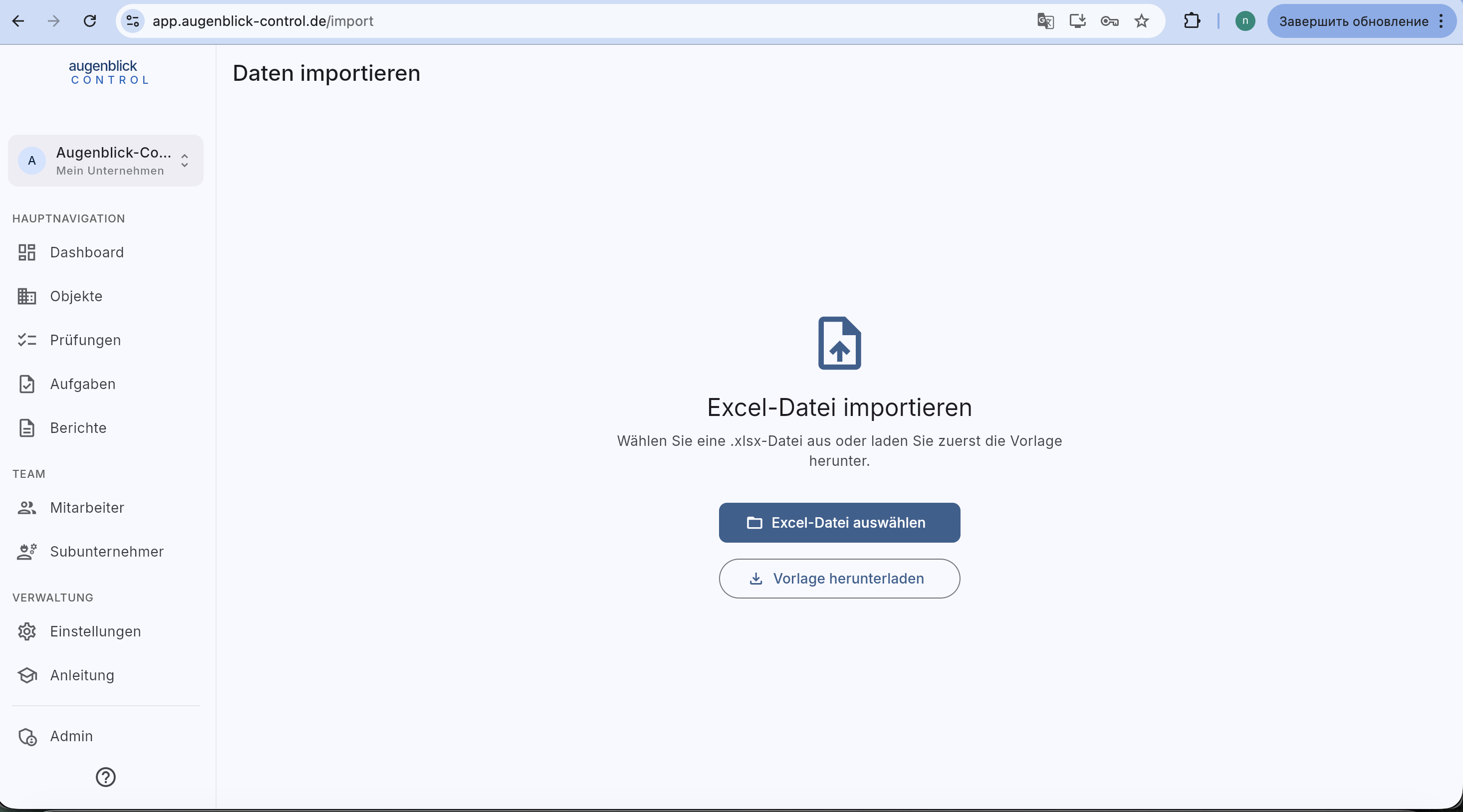
Workflow
- Download template — click the button →
.xlsxfile with sample rows and headers. Three sheets: Objekte / Buildings / Elements. - Fill the template — one row per entry. Columns: name, address, category, object code, UUID, Stammdaten fields. Required columns marked with
*. - Pick the Excel file — upload the filled file.
- Preview — the app shows recognized rows + validation errors (e.g. duplicate codes, missing required columns).
- Import — after confirmation, all entries are created.
What's not supported
- Import inspections — inspections must be created via the app (DIN compliance).
- Import images — photos are not pulled from Excel.
- Overwrite existing entries — Excel import only adds new rows. Updates go manually.
Migrate from older software
Export from the old solution to CSV / Excel → map to the Augenblick template (rename columns) → import. We can help adjust the template mapping if needed.
Tip: After import: print UUID codes via the UUID generator, stick labels, then enter on-site location per element.