Archiving
Completed inspections are automatically archived after a chosen retention period — as a yearly ZIP in Berichte → Archiv. They stay accessible but no longer clutter the active list.
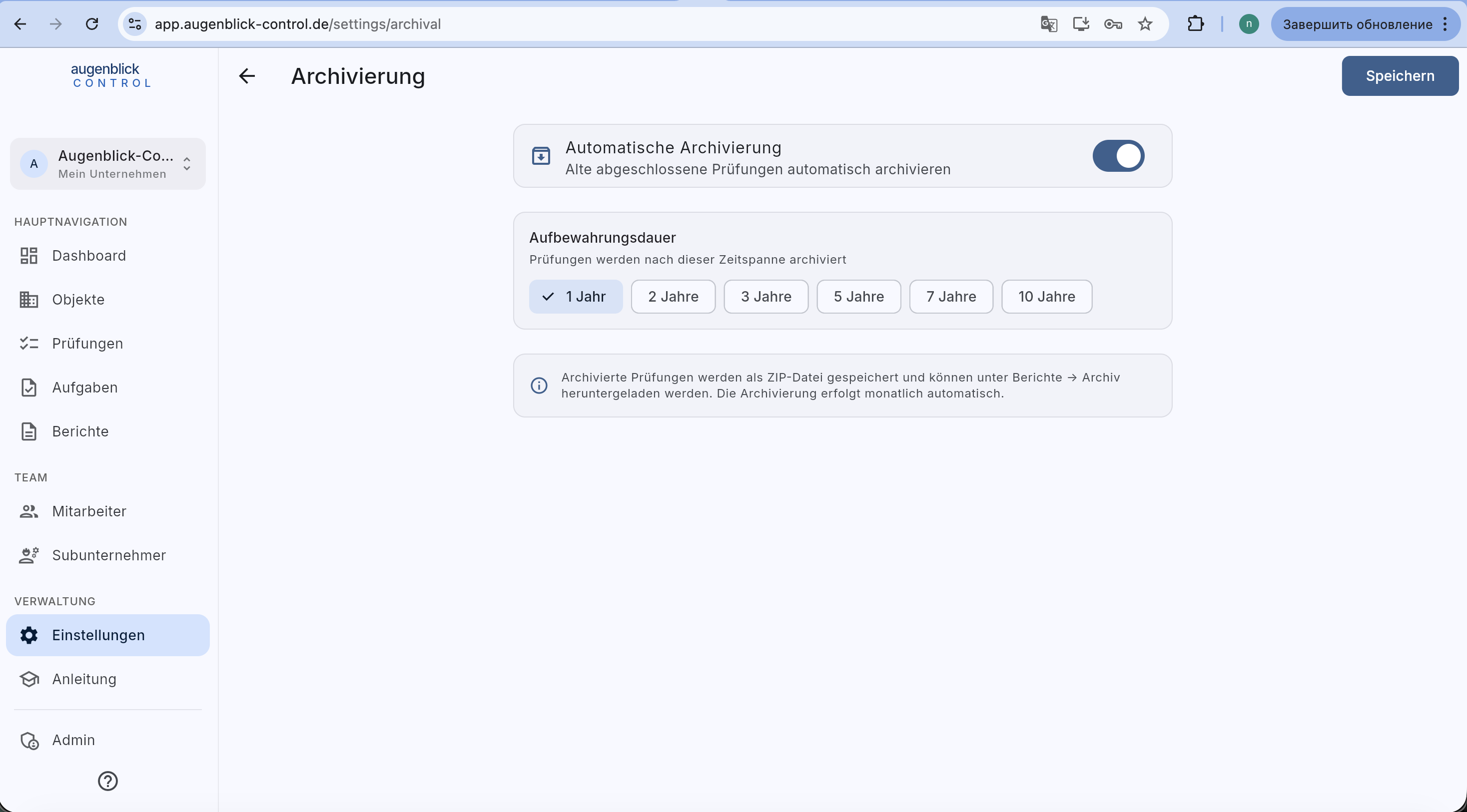
Configuration
- Automatische Archivierung — main switch (top right).
- Aufbewahrungsdauer — how long inspections remain active: 1 / 2 / 3 / 5 / 7 / 10 years.
After the retention period, an inspection is archived on the first day of the following month.
What happens on archive
- The inspection is packed into a yearly ZIP archive: its data as JSON, photos and signature. For a fire safety walkthrough (Brandschutzbegehung) also its defects (status on the archive day — not part of the signed protocol), their history and, if present, the frozen evidence of the signature. No PDF protocol is included — create it beforehand under Berichte.
- The file
metadata.jsonin the ZIP lists what it contains. If a file the inspection refers to is missing, the archive is still created and marked incomplete — the missing files are listed inmetadata.json. - It disappears from the active list (Prüfungen page).
- It stays available in Berichte → Archiv and can be downloaded anytime.
- Statistics (inspected / defect rate) count only active inspections — archive is excluded.
Retention and completeness
The Aufbewahrungsdauer setting determines when a ZIP is created, not when data is permanently deleted. Archiving and deletion are separate operations.
The archive list shows incomplete, complete when created, or completeness not recorded for older archives. An incomplete copy does not finish archiving the affected inspection: its source data stays available for a retry. Signatures and original defect photos are also retained. Details of missing components are listed in metadata.json inside the ZIP.
Tip: Before archiving, export all your workspace data as JSON backup (Settings → Datenschutz und Verträge → Datenexport).