Redeem an access key
When a client invites you as a subcontractor, you receive an access key by email in the format AC-XXXX-XXXX-XXXX-XXXX-XXXX. You use it to access the client's workspace — limited to the agreed Objekte / buildings.
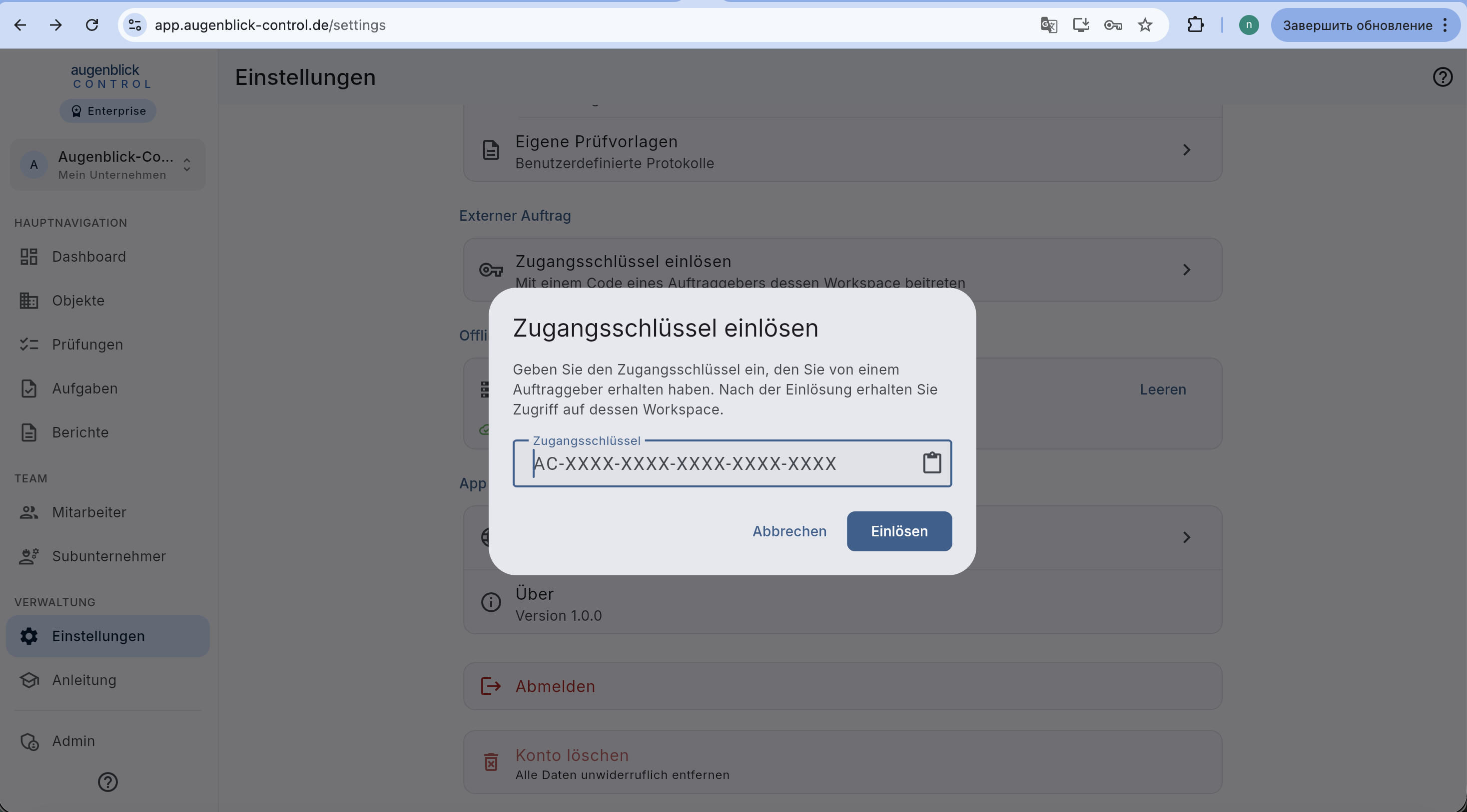
How to redeem
- Own account — register or log in (your own workspace).
- Settings → under "Externer Auftrag" → Zugangsschlüssel einlösen.
- Paste the key (best copy-paste from the email).
- Einlösen — the client workspace appears in your workspace switcher top left.
Switch workspace
Your Augenblick profile now has two workspaces — your own company and the client. The workspace switcher top left lets you jump between them.
What you see / can do
In the client workspace you only access:
- the Objekte / buildings released by the client,
- the role (Prüfer / Administrator) defined by the key,
- the validity period (7-60 days). After that the key expires automatically.
You see no other subcontractors and no internal employees of the client.
Tip: Never forward the key. If lost, ask the client to revoke it + issue a new one. Audit log records every login with IP address.